Clara clicked a link. That was the setup.
On Thursday at 10:00, Northwind reviewed a contract with its client in a browser tab. Here is that call, from the link to the lobby to the recording.
On Thursday at 10:00, Northwind reviewed a contract with its client in a browser tab. Here is that call, from the link to the lobby to the recording.
Wed 15:25
MeetEarly access
“Which link is it? I have three in my calendar.”
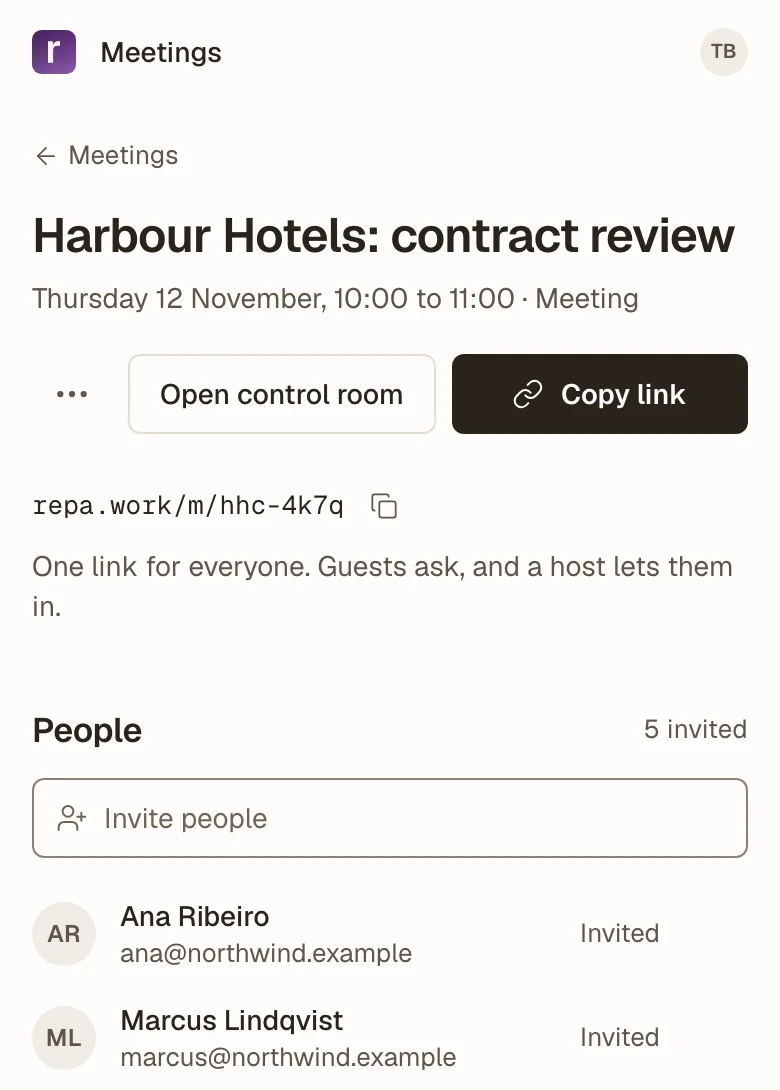
Tobias schedules Thursday 10:00, chooses that guests ask to join, and sends Clara the one link.
Thu 10:03
MeetEarly access
“Do I need an account for this?”
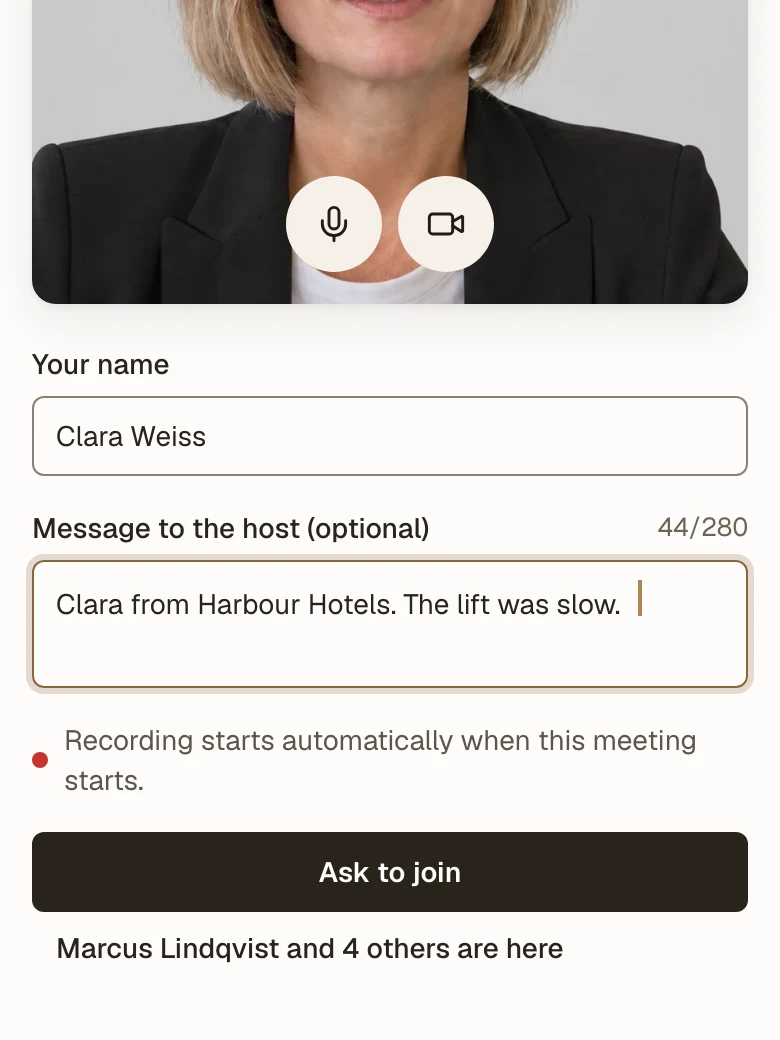
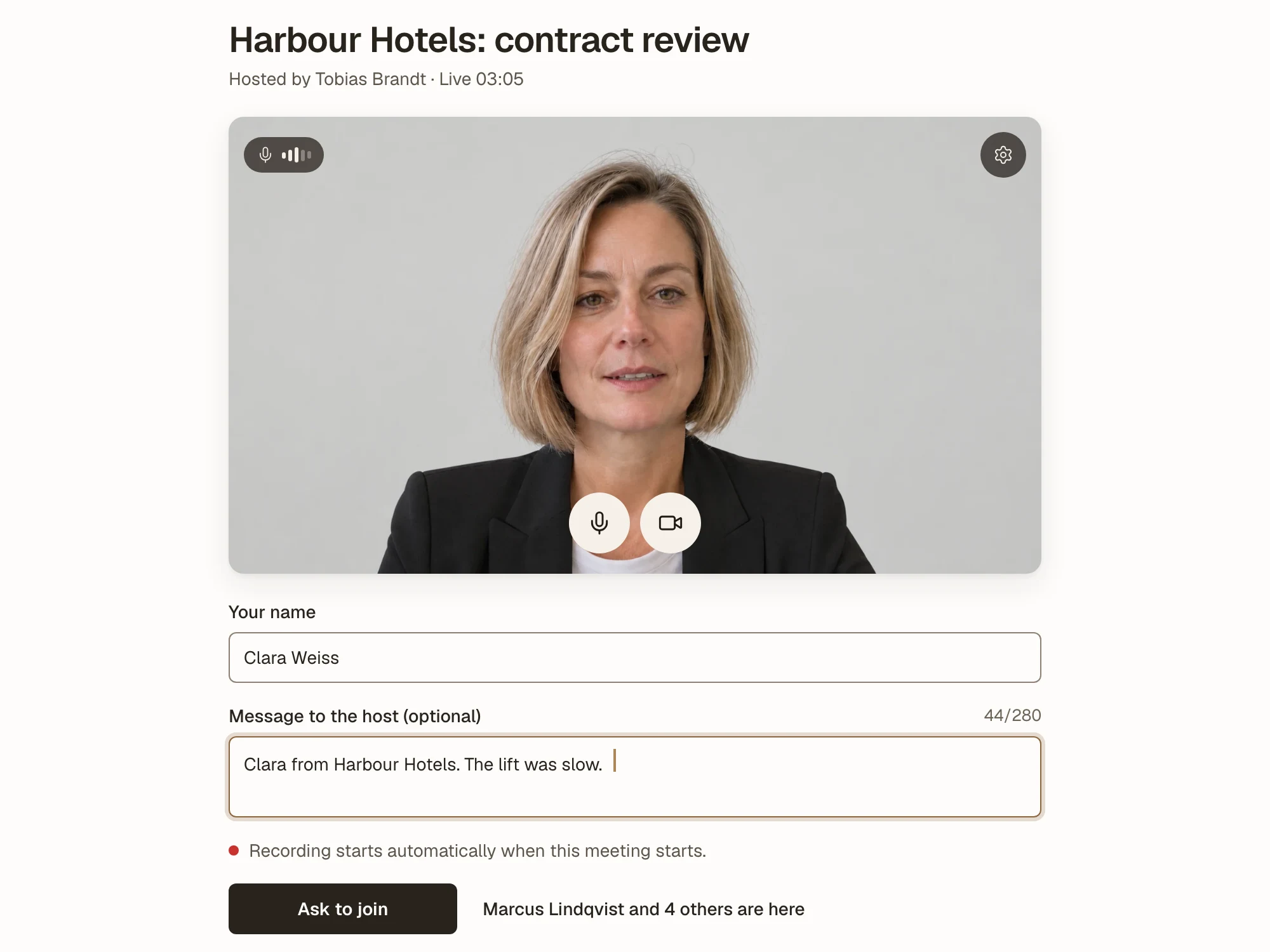
Clara opens the link in her browser and types her name and a line for the host. Nothing to install, no sign-up.
Thu 10:04
MeetEarly access
“Who just joined? Does anyone know them?”
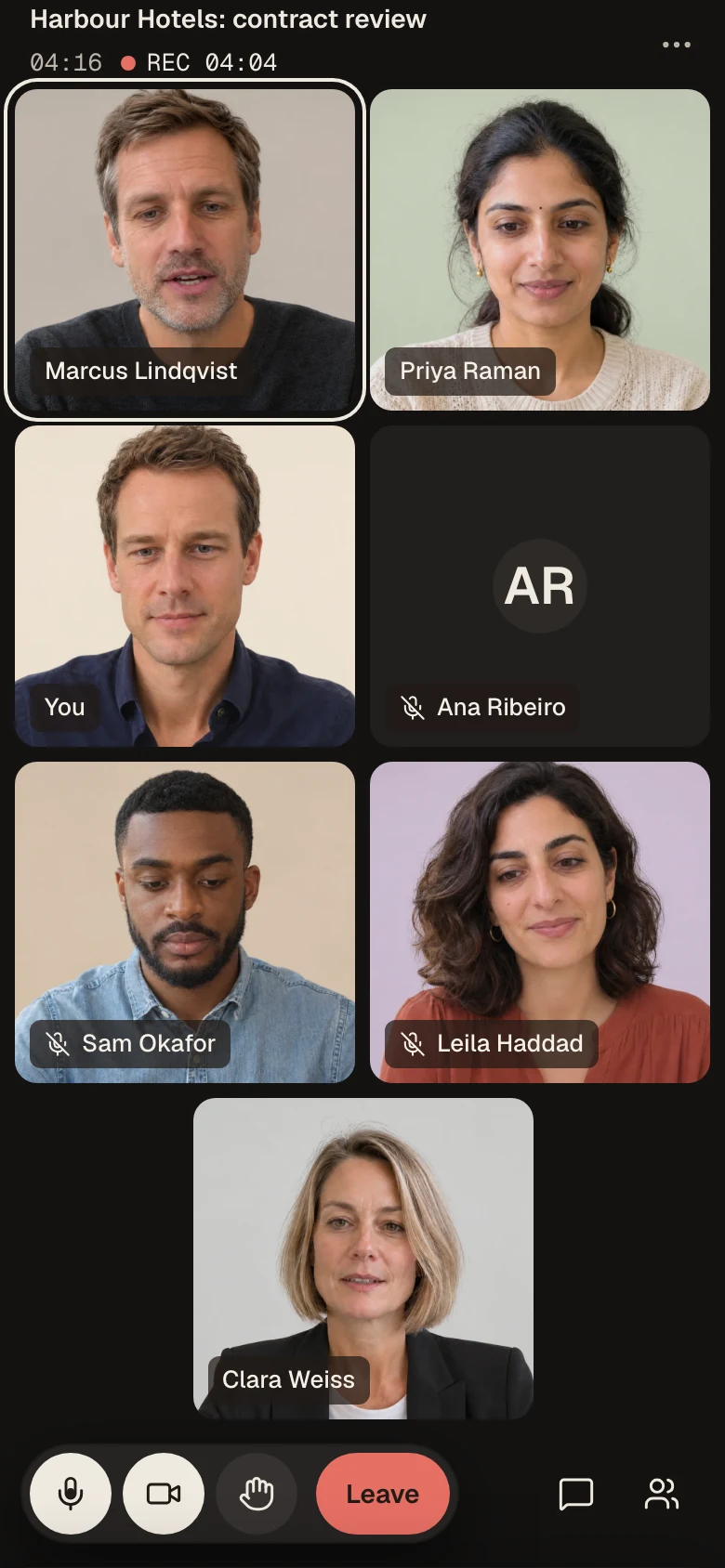
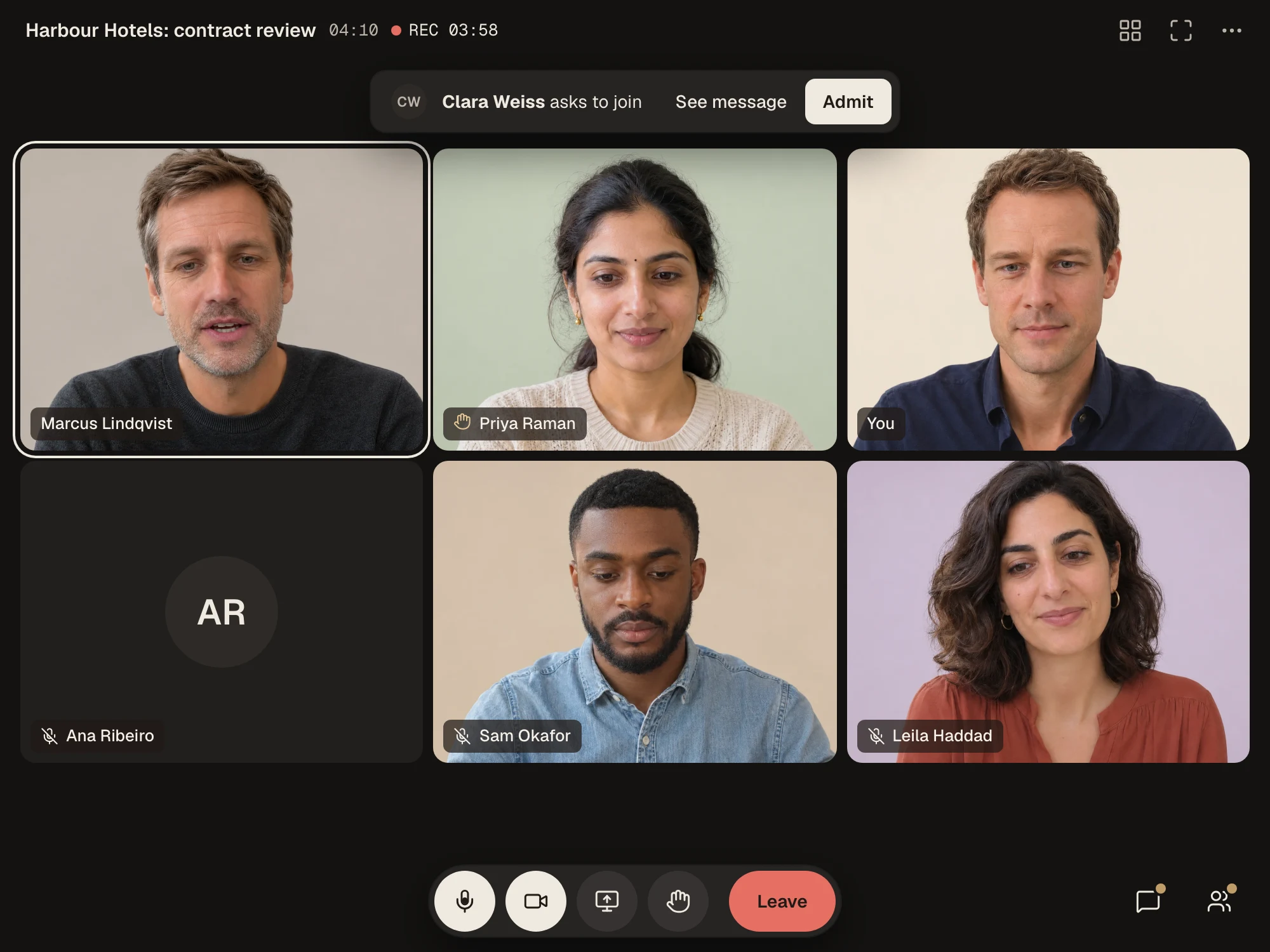
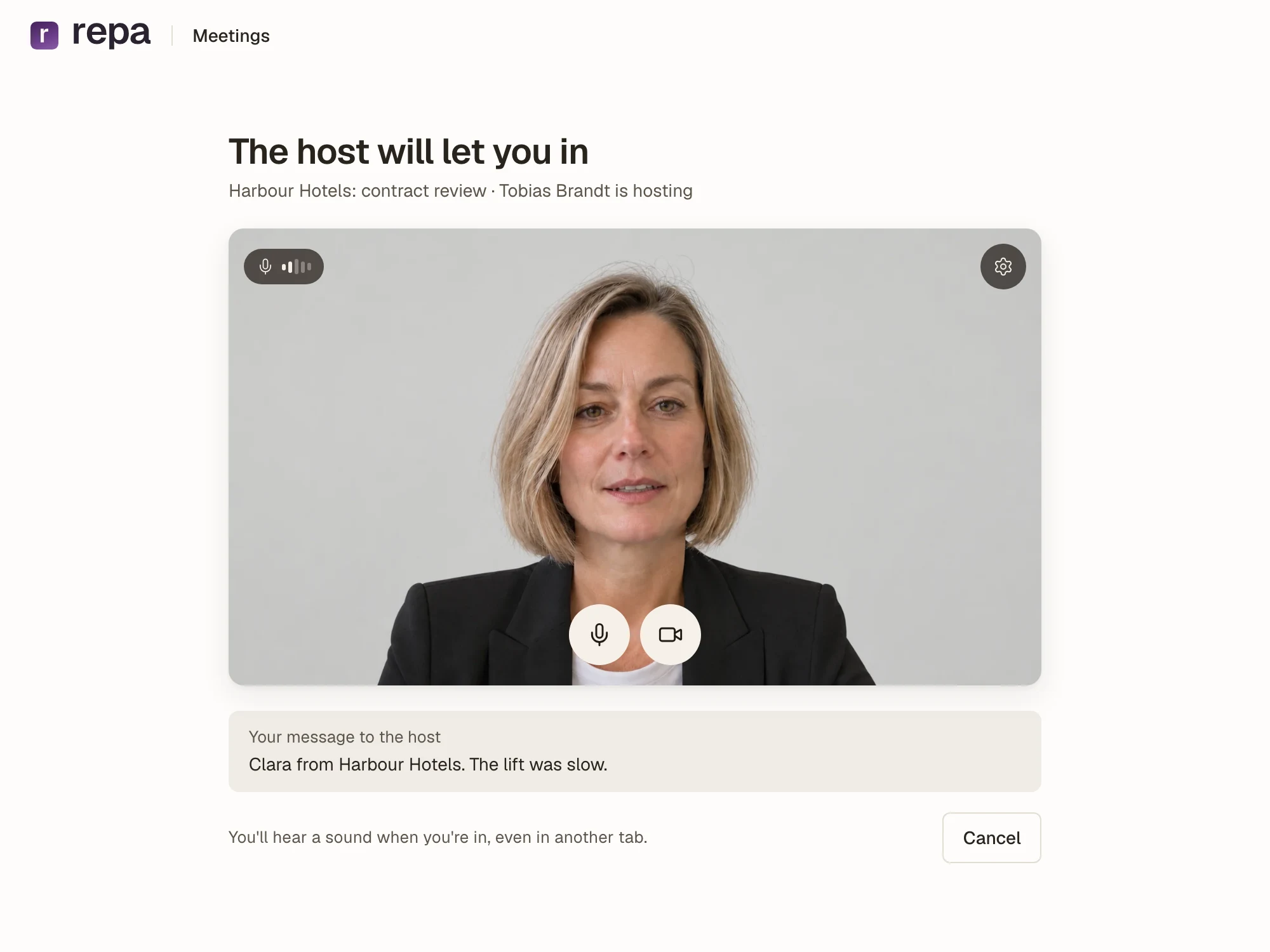
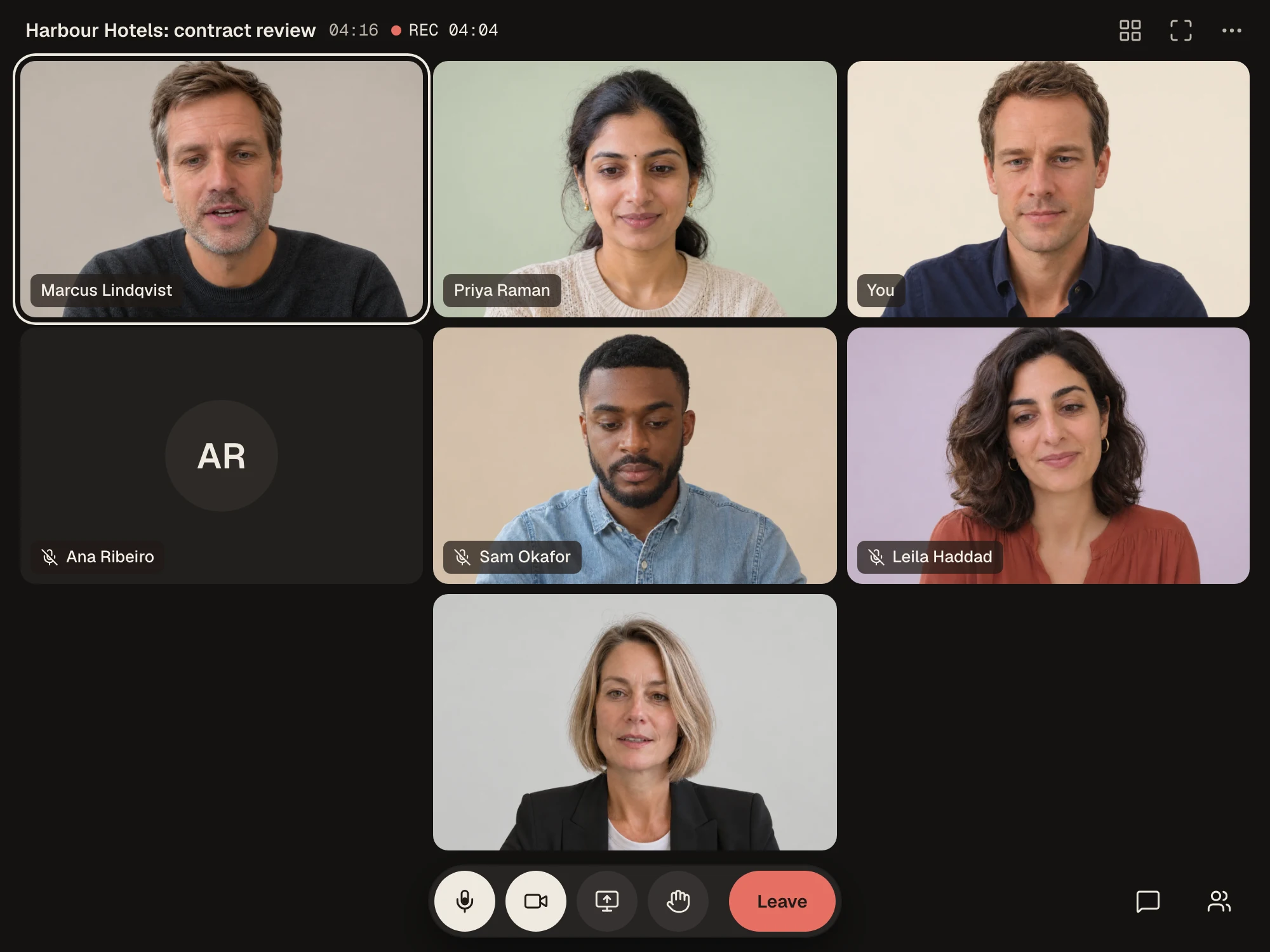
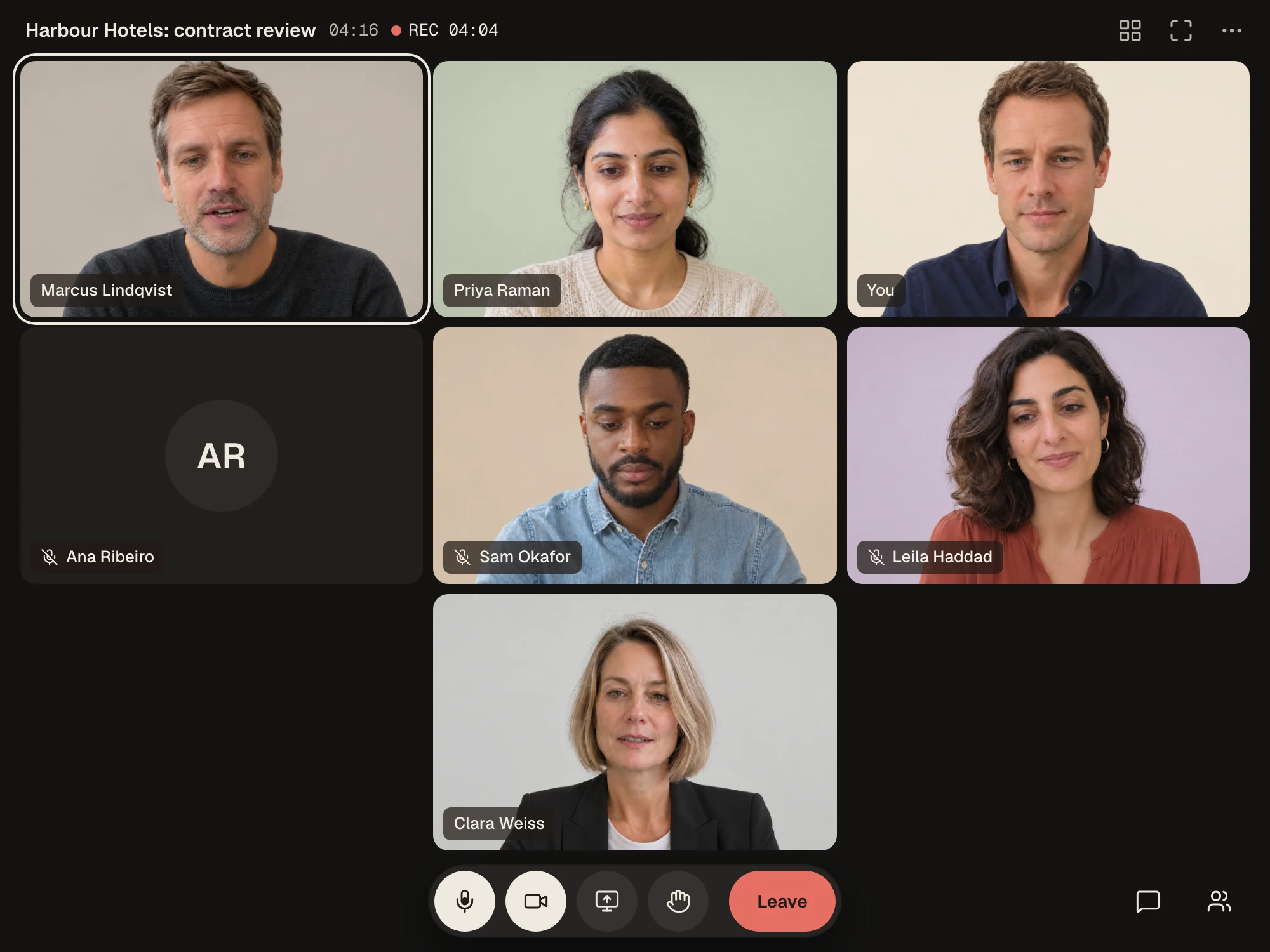
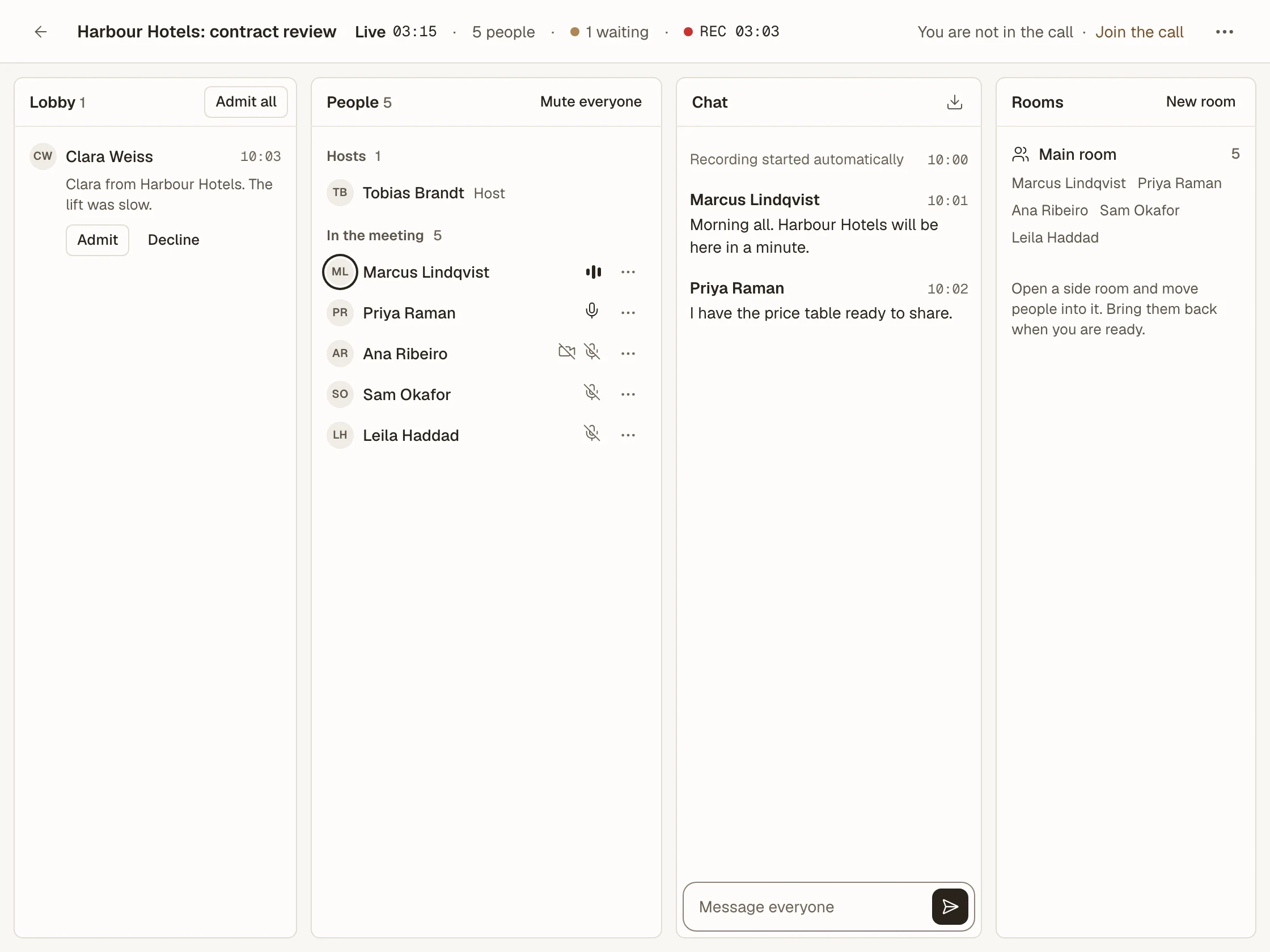
Clara waits in the lobby until Tobias reads her message and admits her. Six people become seven.
Thu 10:12
MeetEarly access
“Can you see my screen? …Now?”
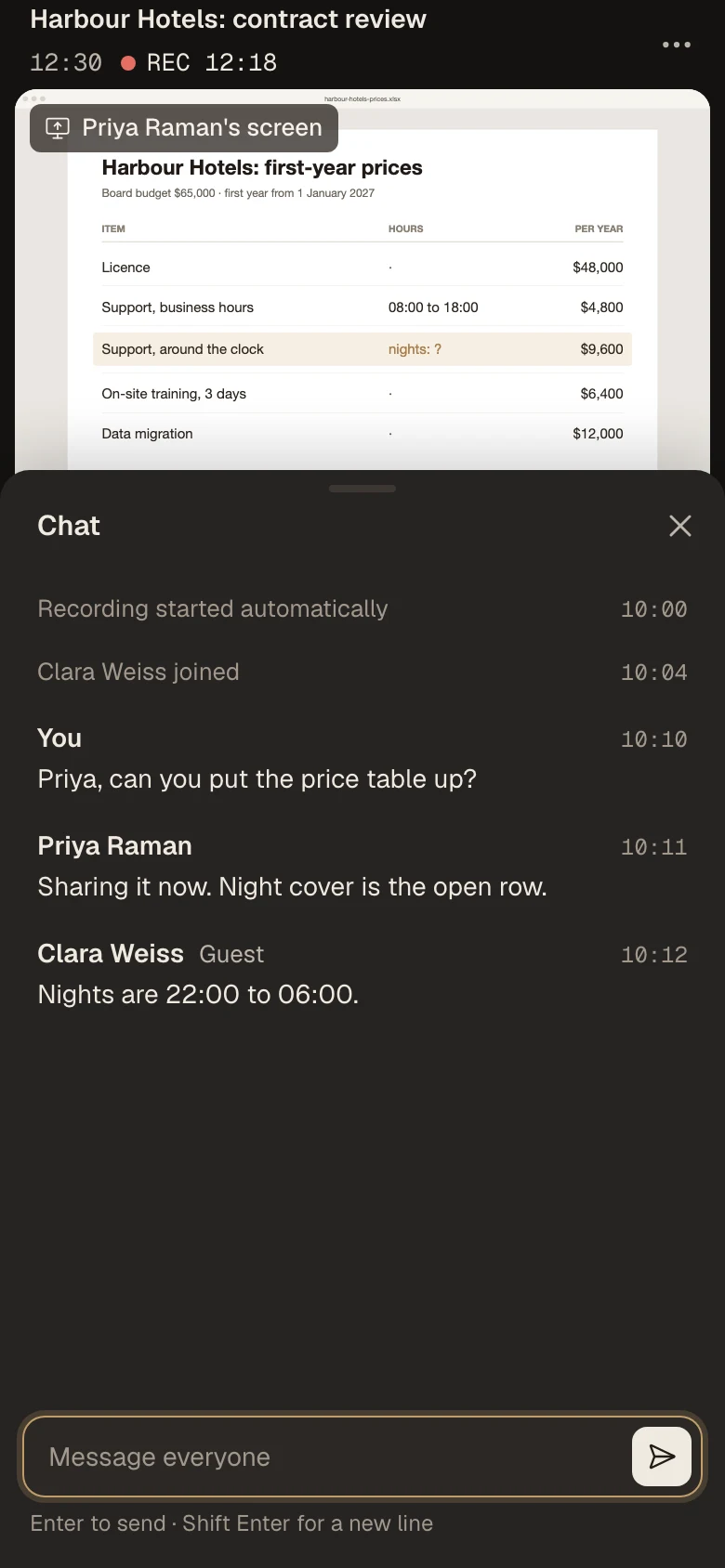
Priya shares the price table, and Clara types the night-shift hours into the chat while Marcus is still talking.
Thu 10:20
MeetEarly access
“Someone is typing very loudly.”
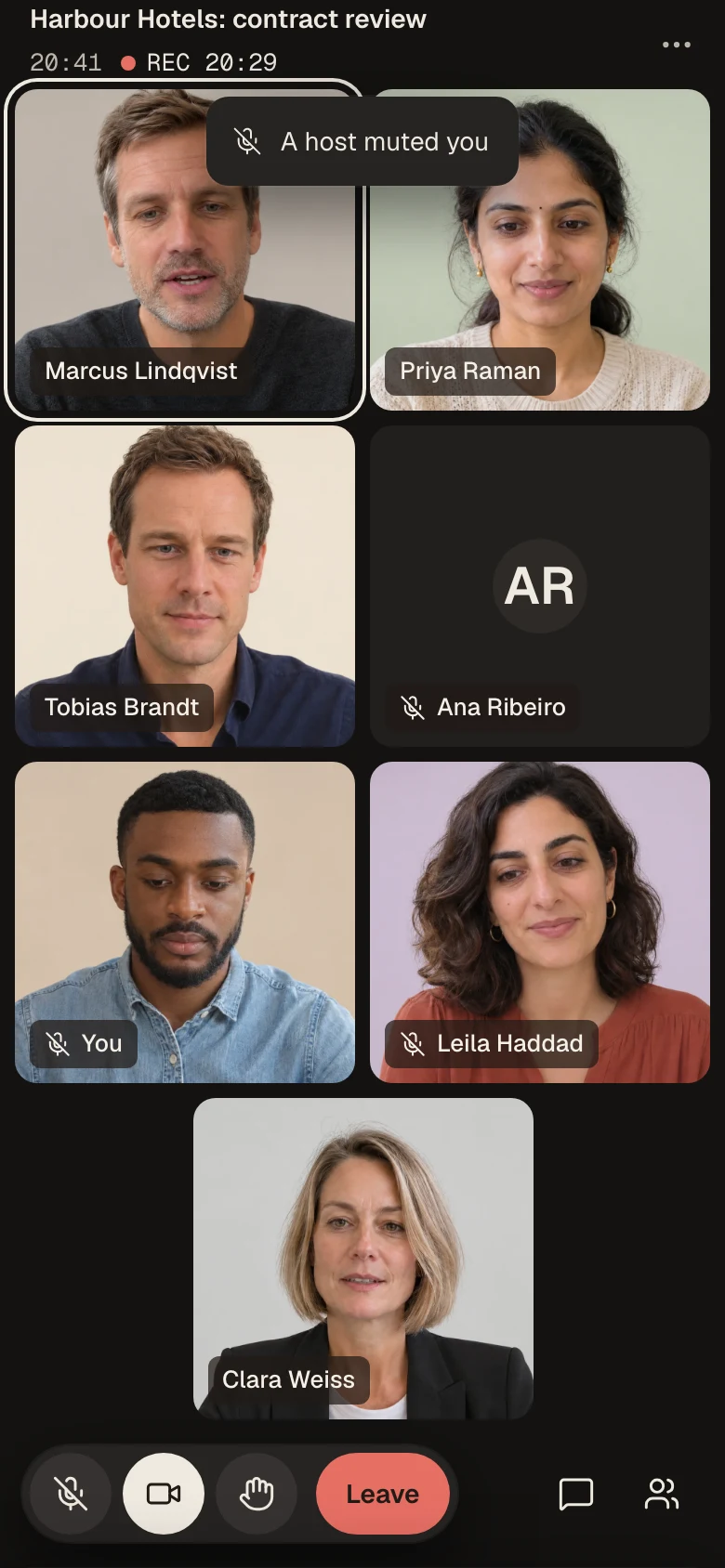
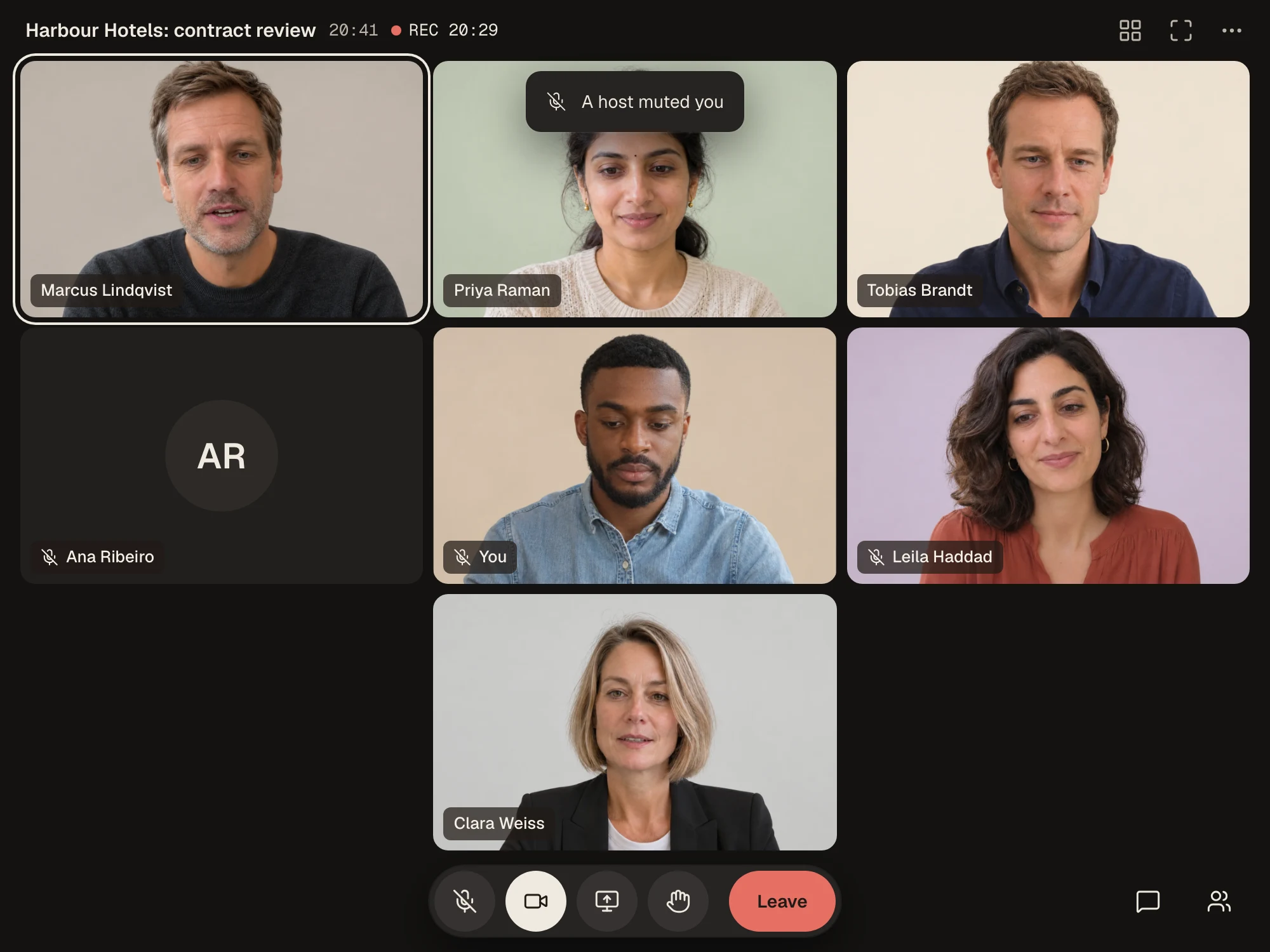
Sam's keyboard is louder than Marcus, so Tobias mutes him from the People panel, and Sam's screen tells him so.
Thu 10:47
MeetEarly access
“Wait, are we being recorded?”
Clara read it before she asked to join, and the recording clock stood beside the meeting clock until Tobias ended the call.
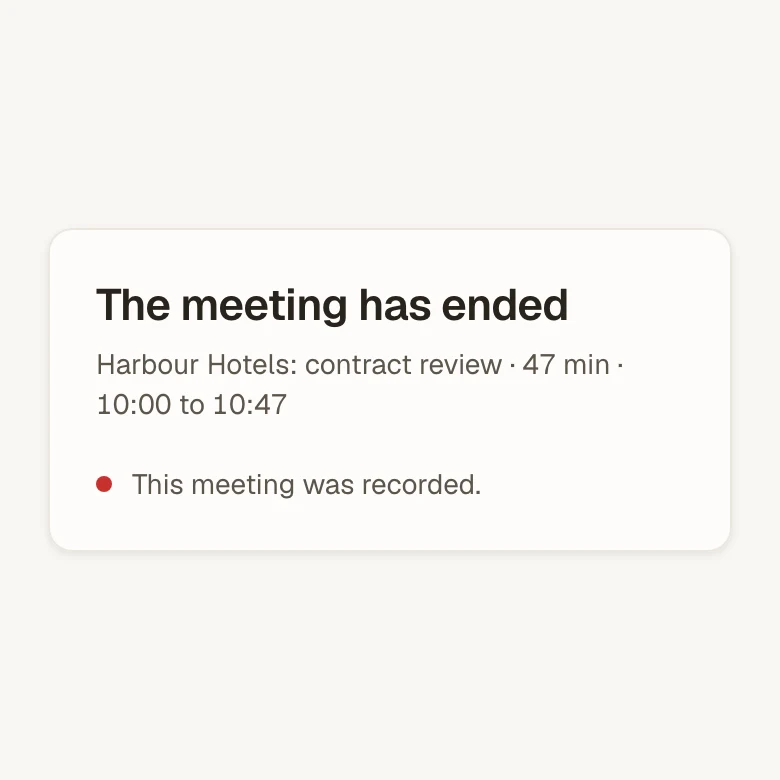
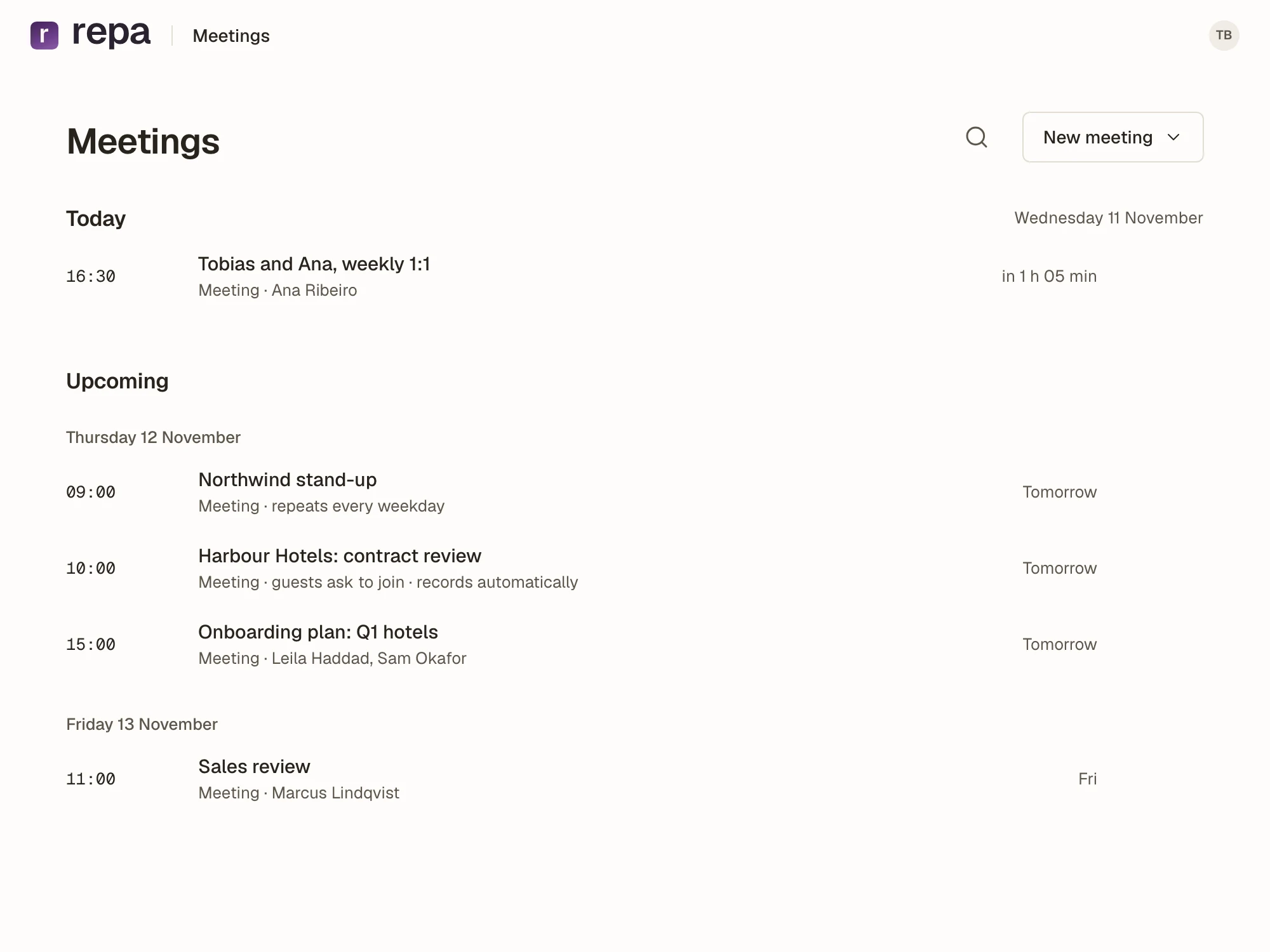
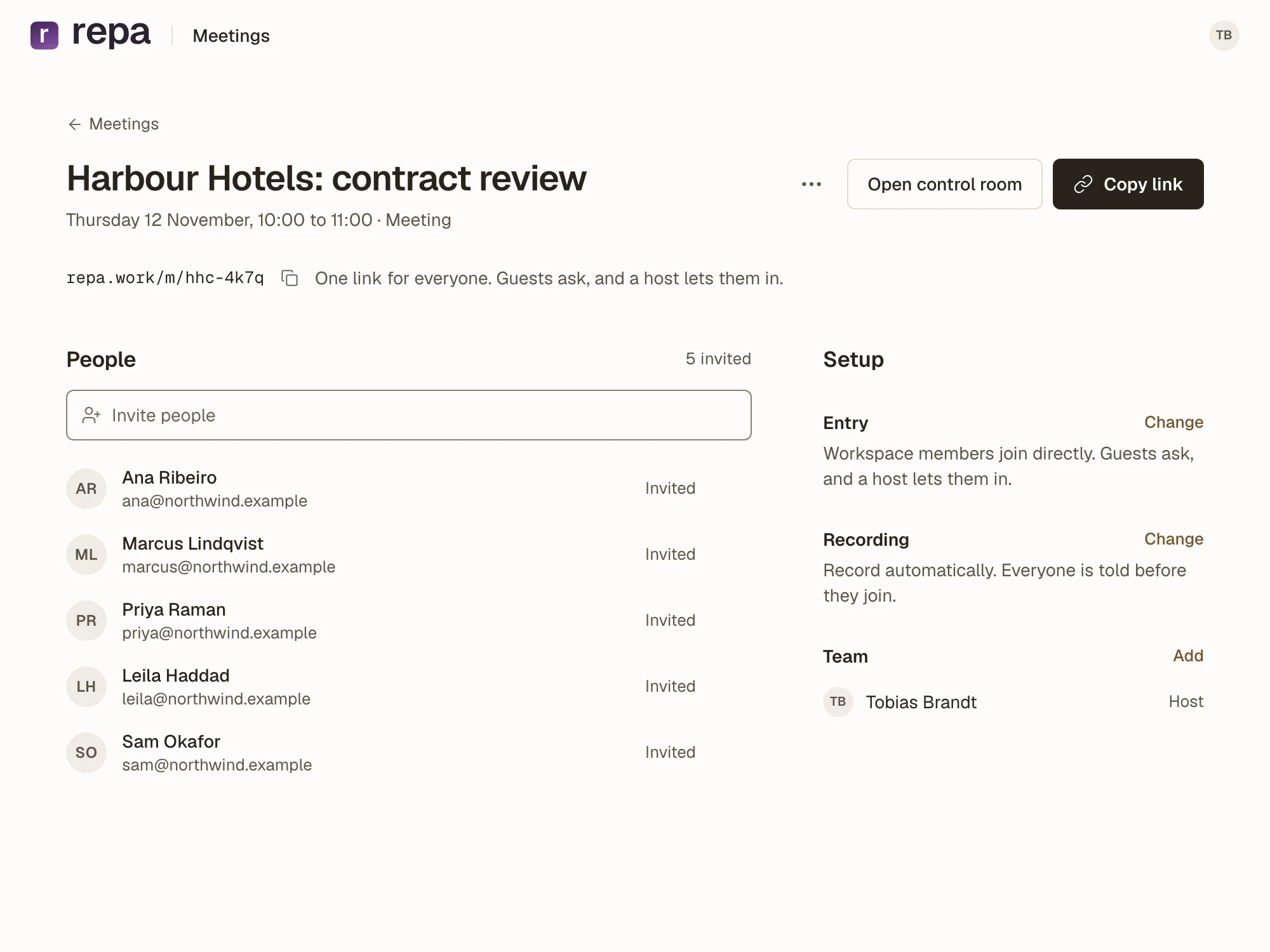
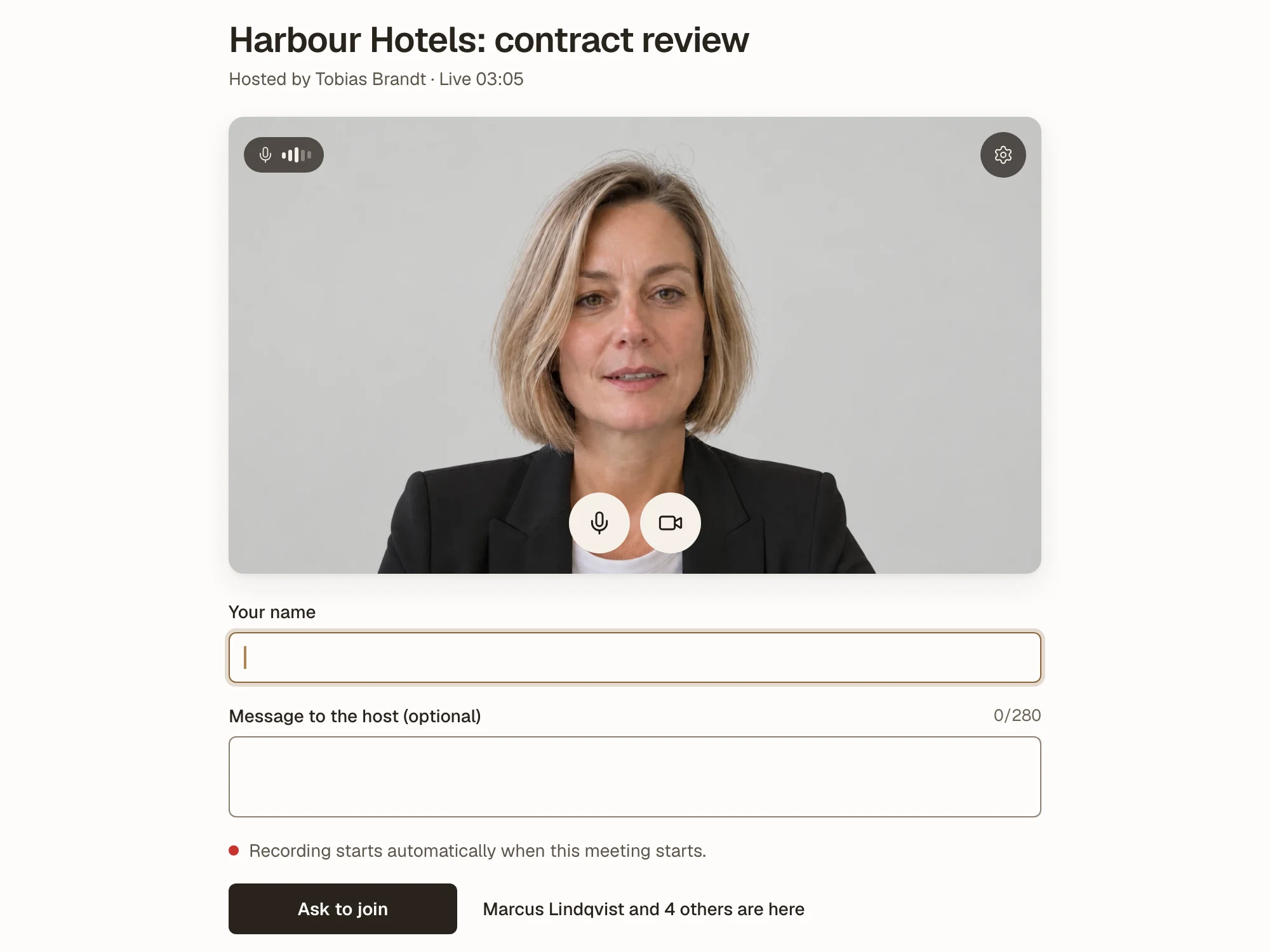
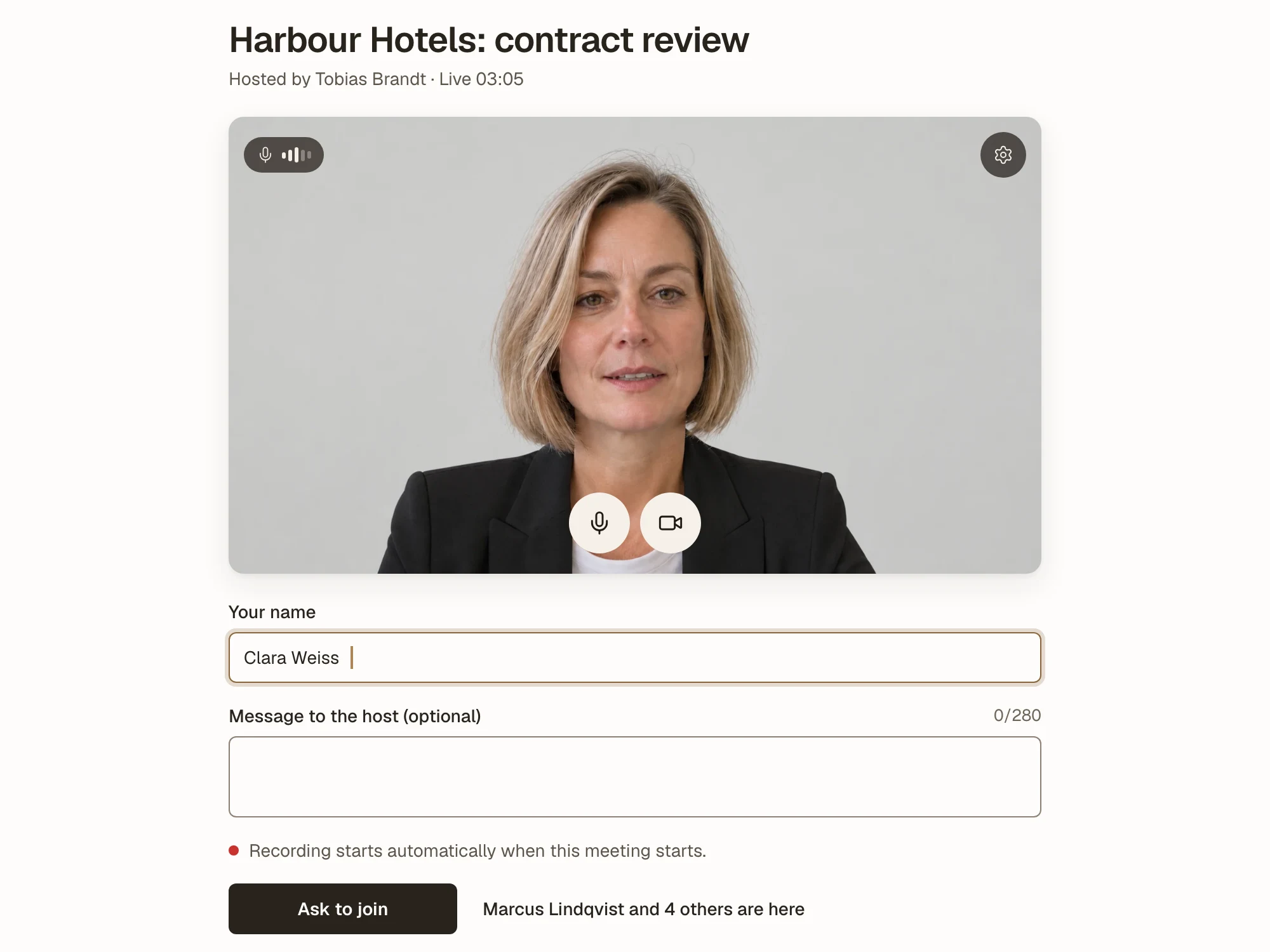
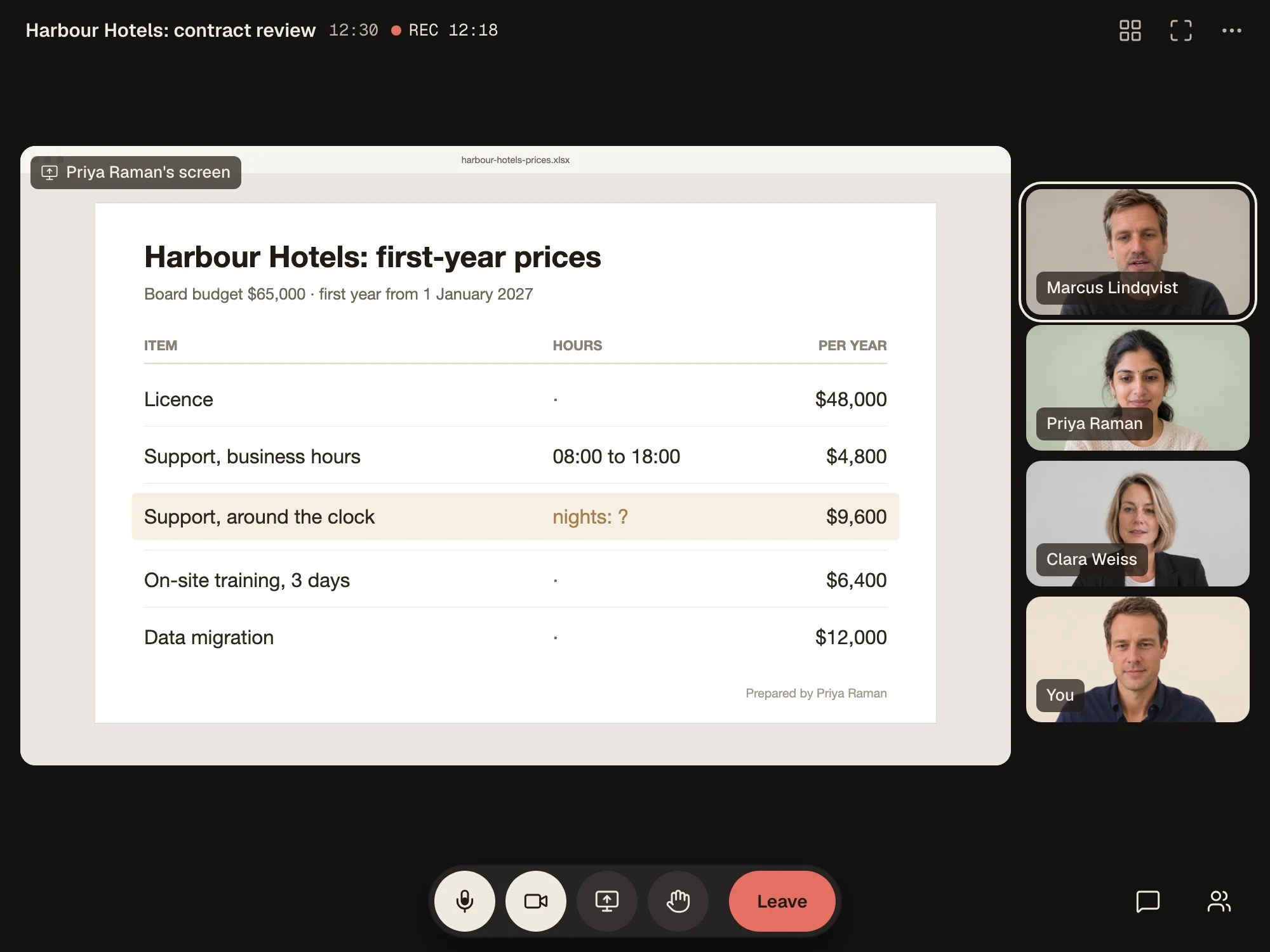
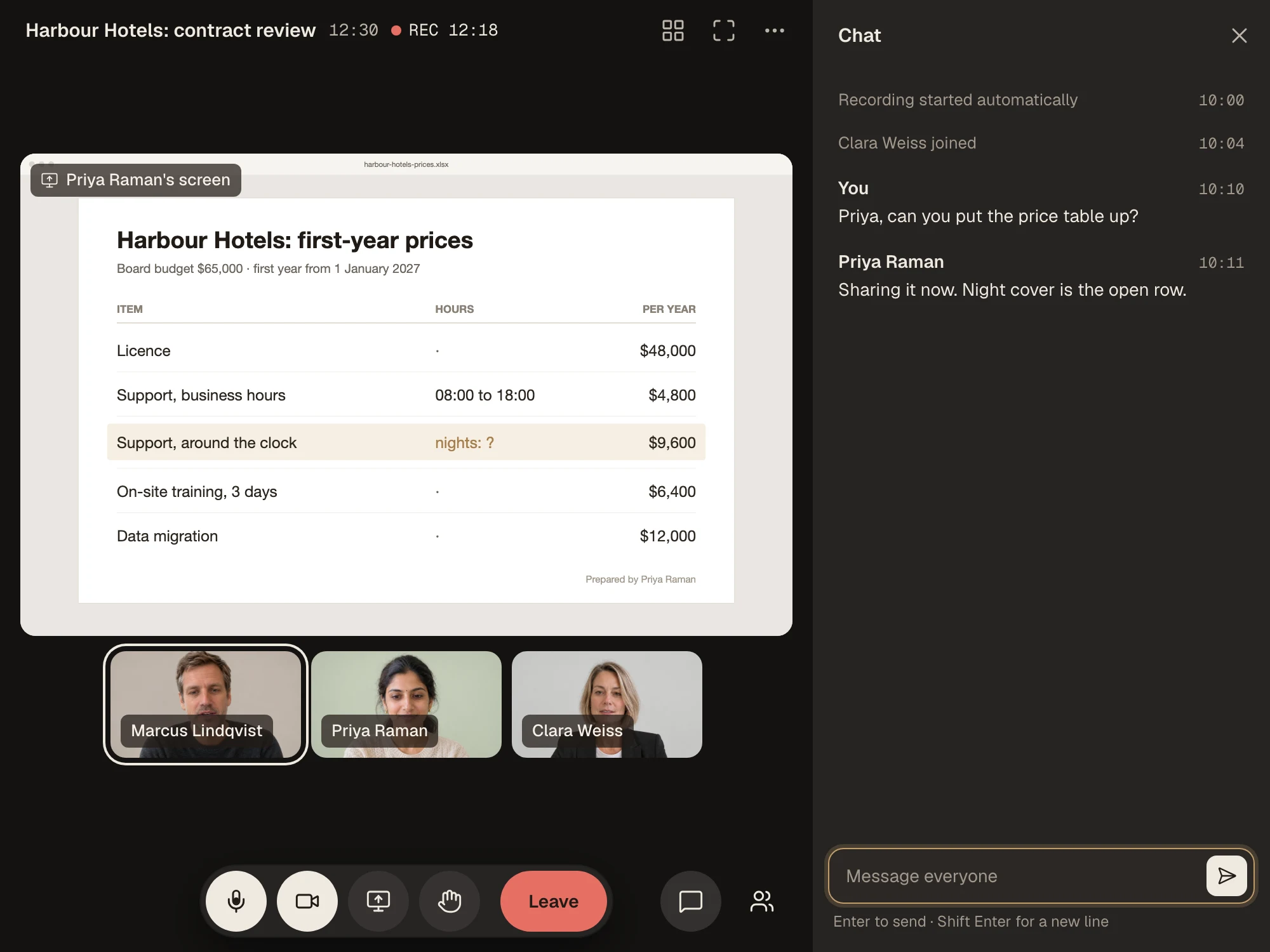
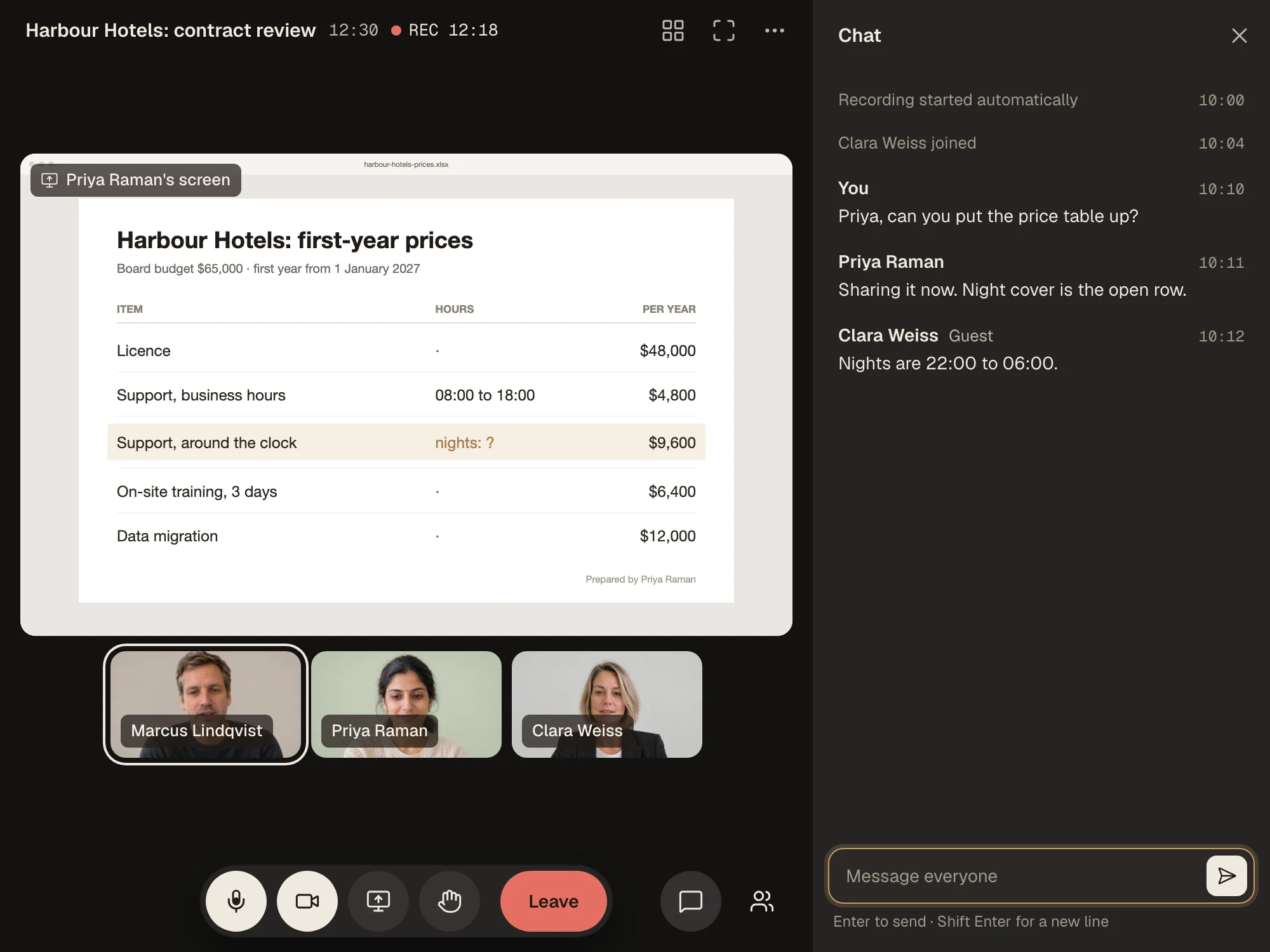
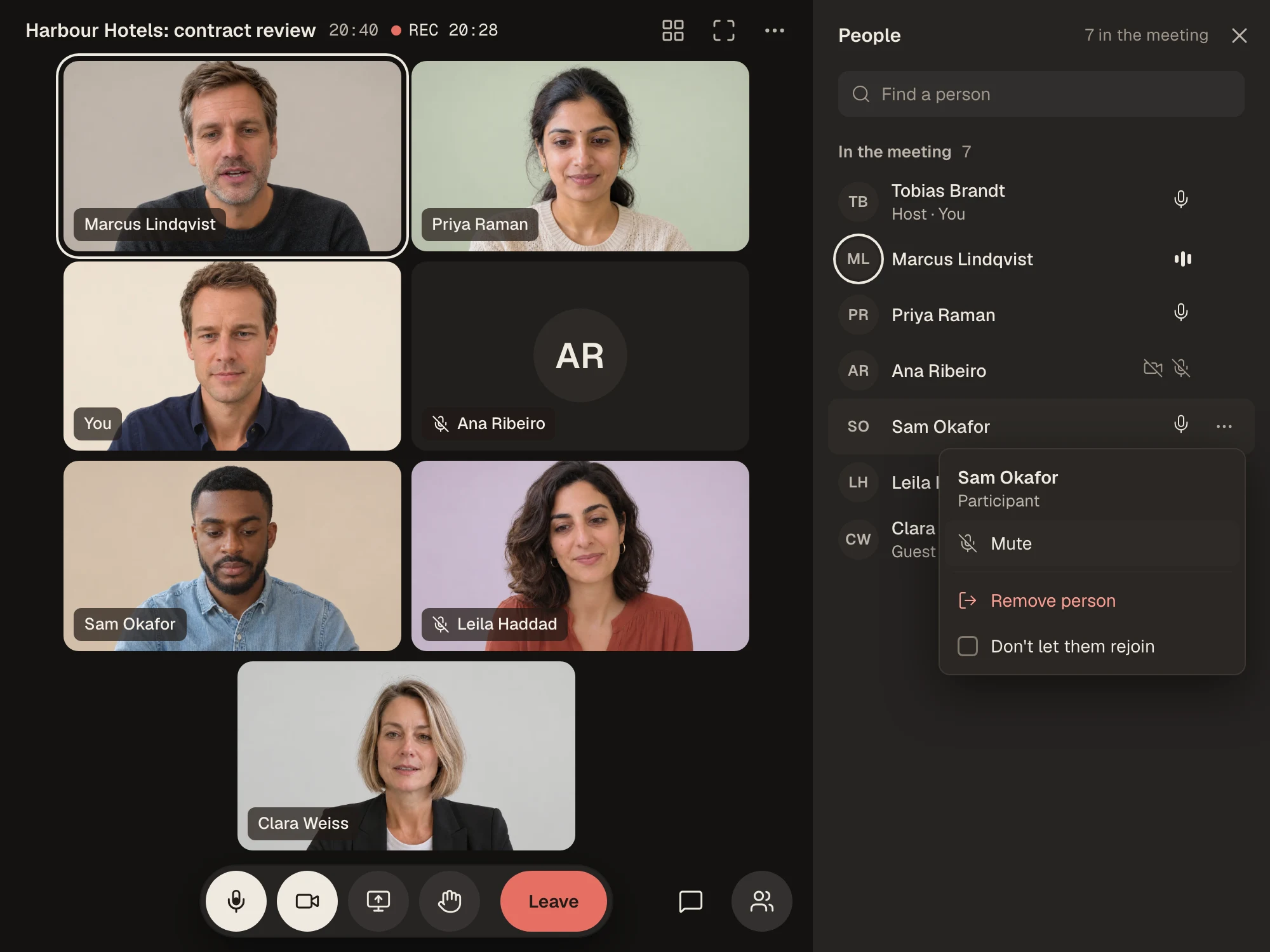
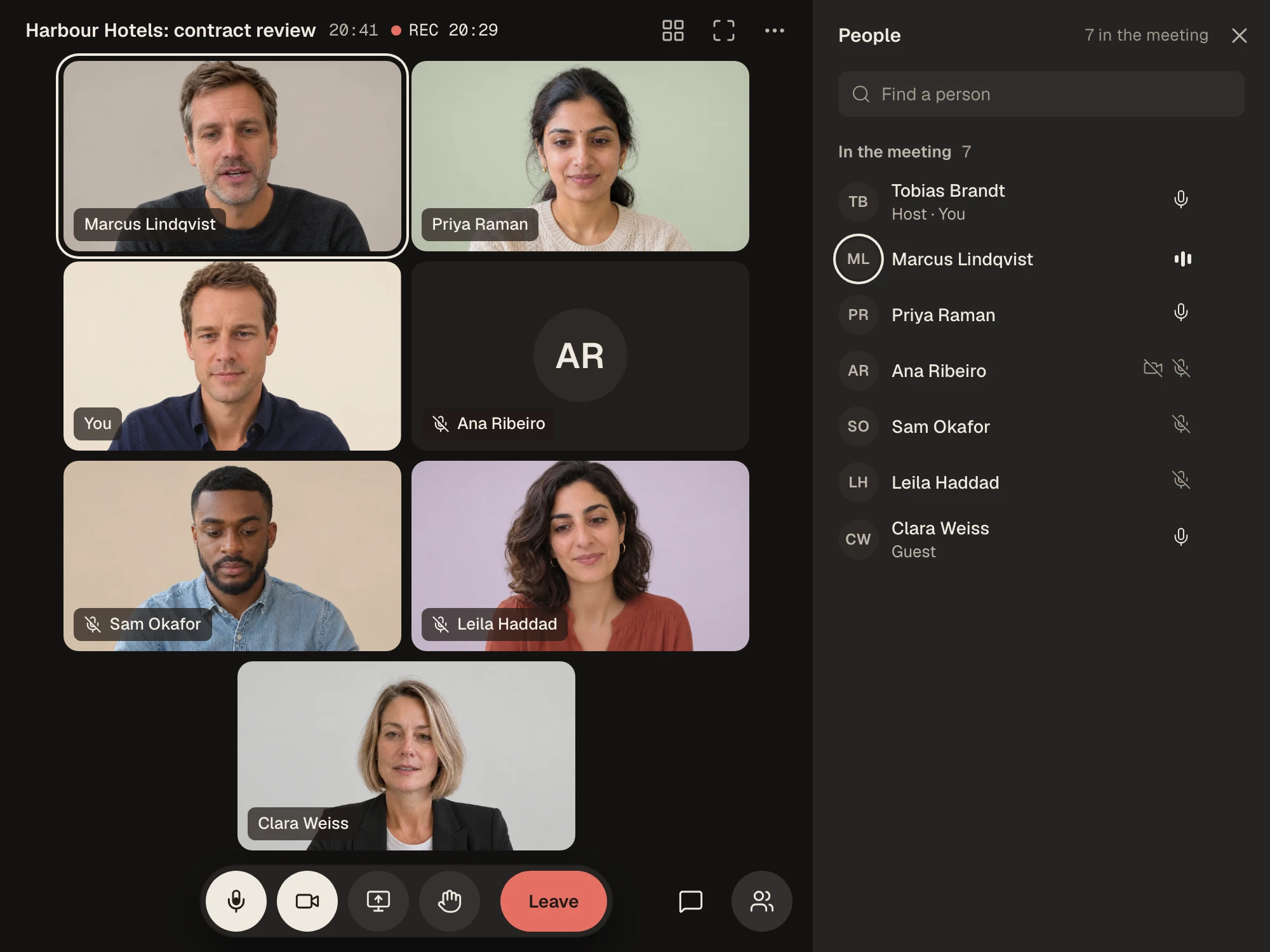
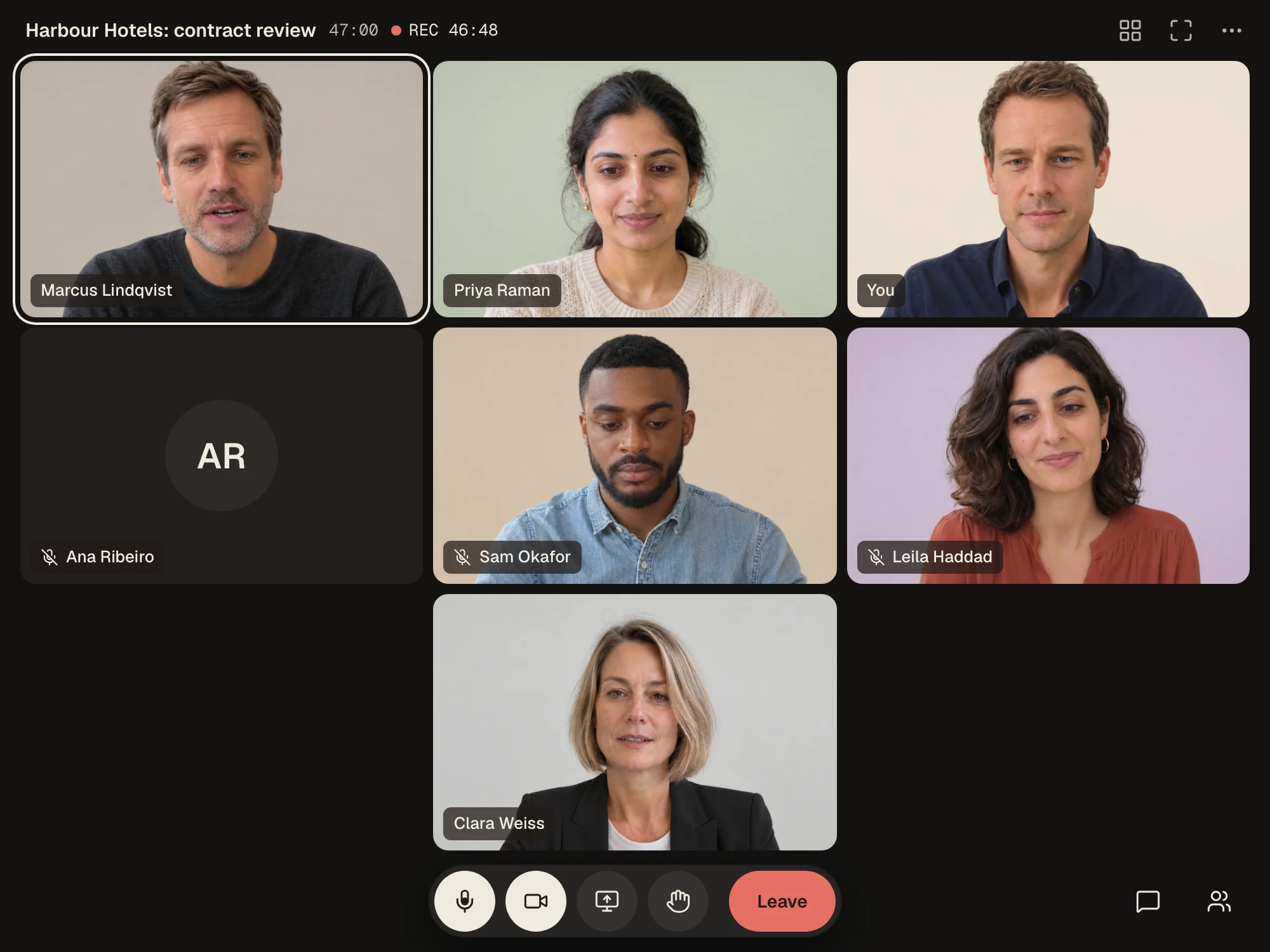
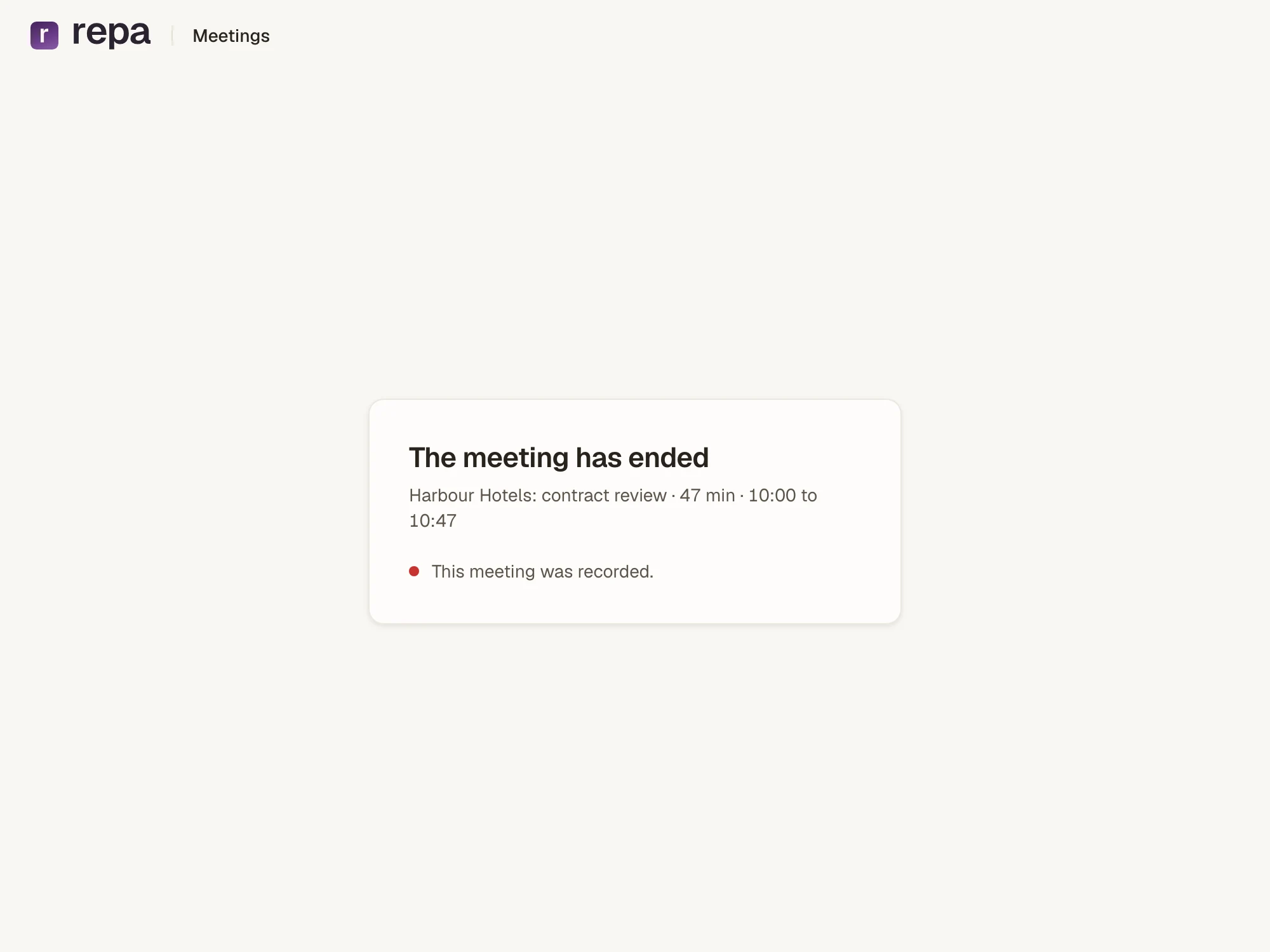
One link, one name typed, one click on Admit. Seven people, 47 minutes, three things agreed: support around the clock, three days of training, and Harbour Hotels moves its own bookings.
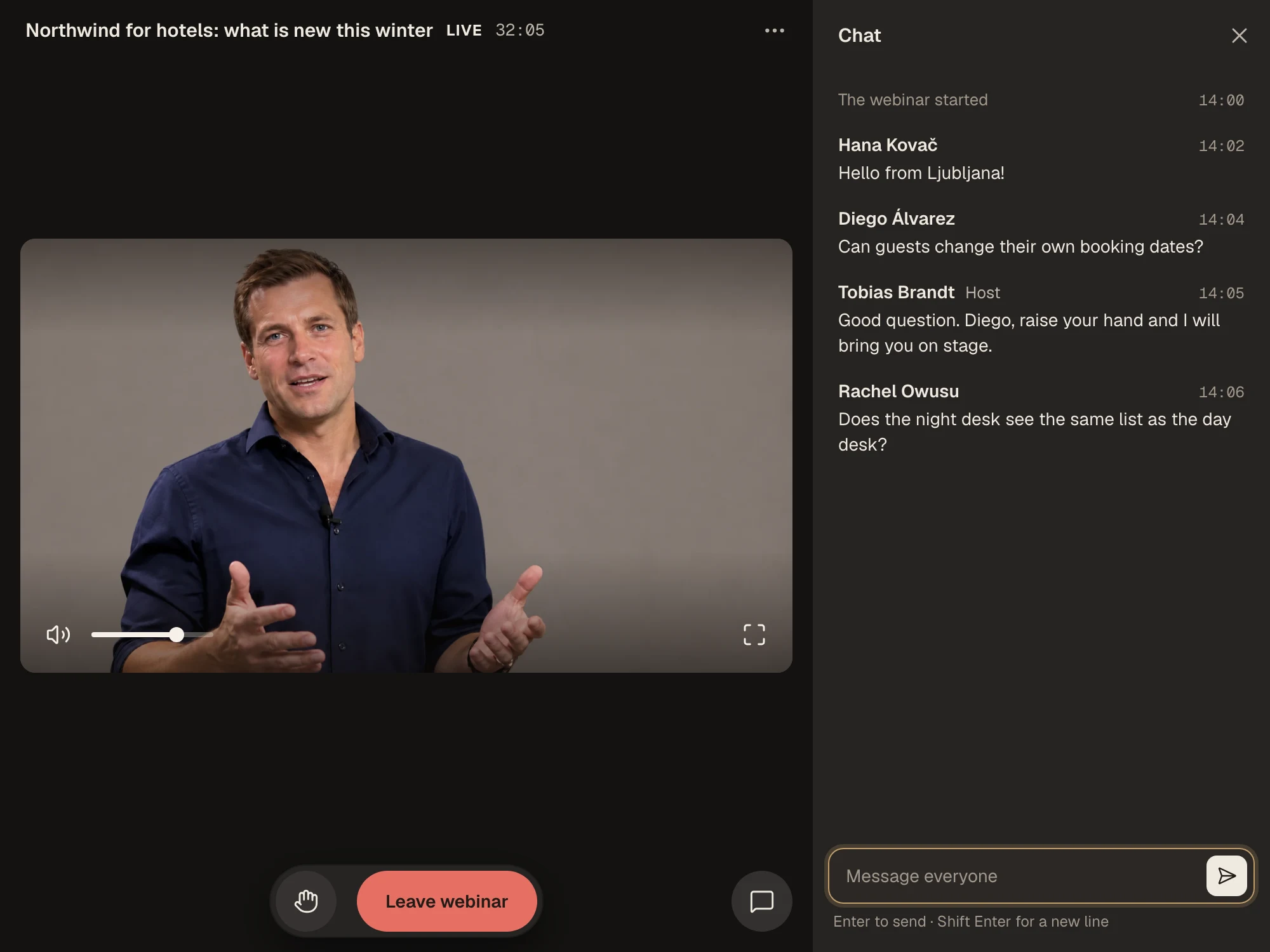
Choose Webinar when you make the meeting: a few present, everyone else watches, and you can stream from OBS. The host can bring someone from the audience on stage, and the audience can chat.
The control room shows the lobby, the people, the chat and the rooms without joining: admit everyone, mute everyone, lock the meeting, open a side room, end it for everyone.
Thirty minutes. Bring a guest who has never heard of us; that is the test.